Labs
Small tools from the studio. Download one, open it, play.
Labs builds are free and unsupported. They may change or disappear, and they are not part of any UTUVO licence.
Tools
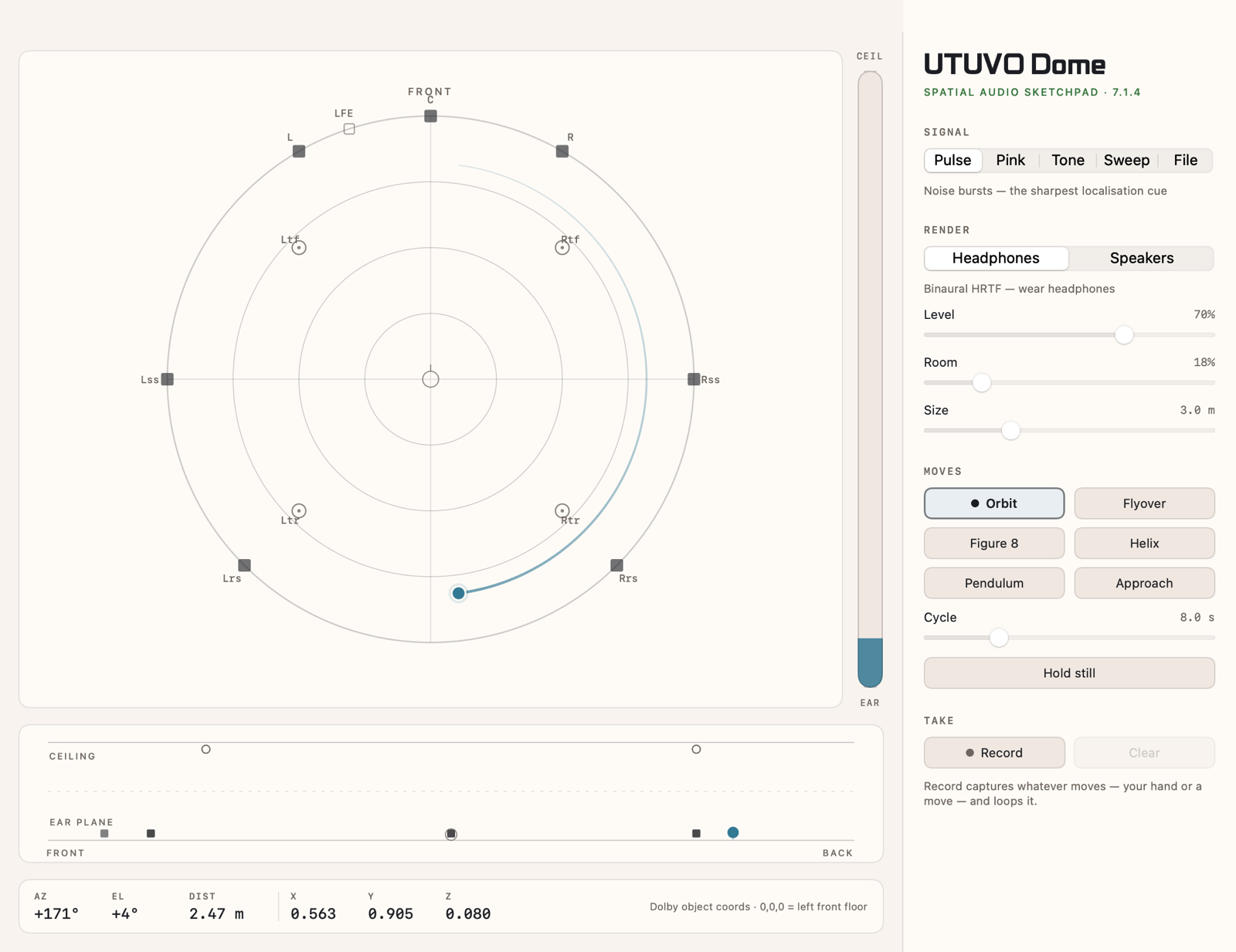
Spatial audio sketchpad · 7.1.4
UTUVO DomePreview
Drag a sound around a 7.1.4 room and hear it move through headphones, or out of a real speaker rig. Six ready-made moves, record a gesture, and copy it out as Dolby object coordinates.
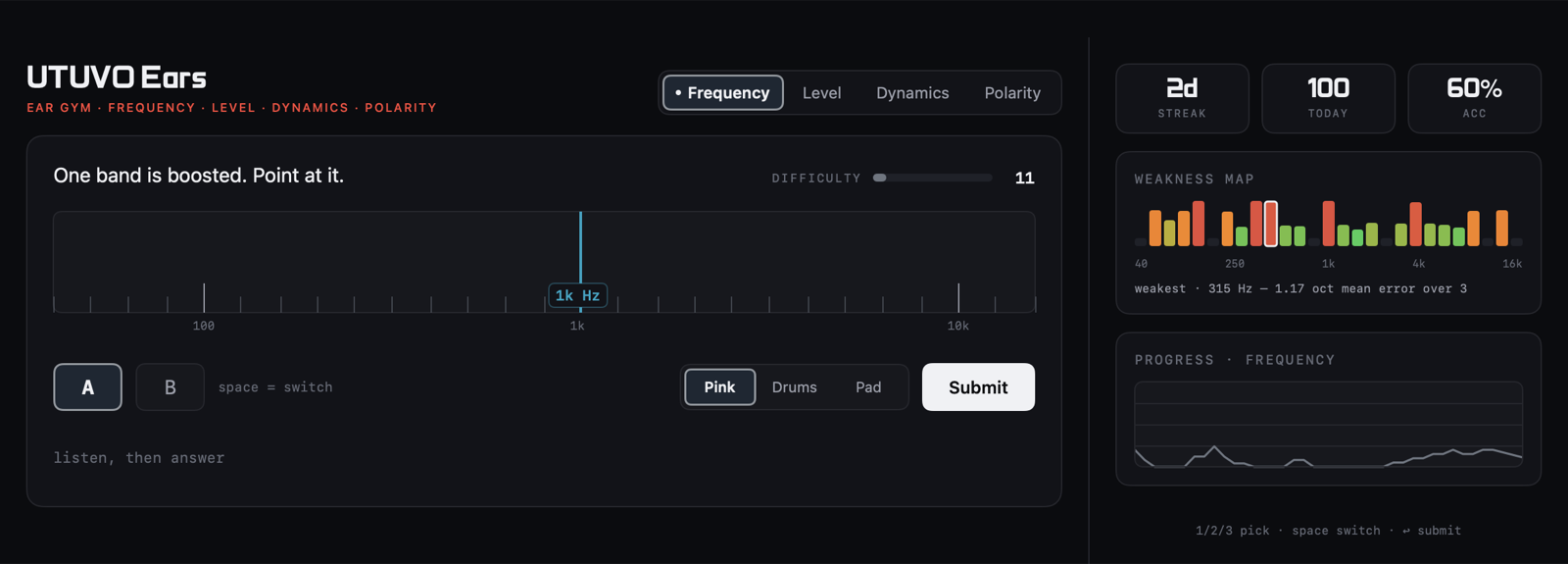
Ear gym for mix engineers
UTUVO Ears
Four drills: frequency, level, dynamics and polarity. Difficulty adapts as you go, and a weakness map names the part of the spectrum your ear is worst at.
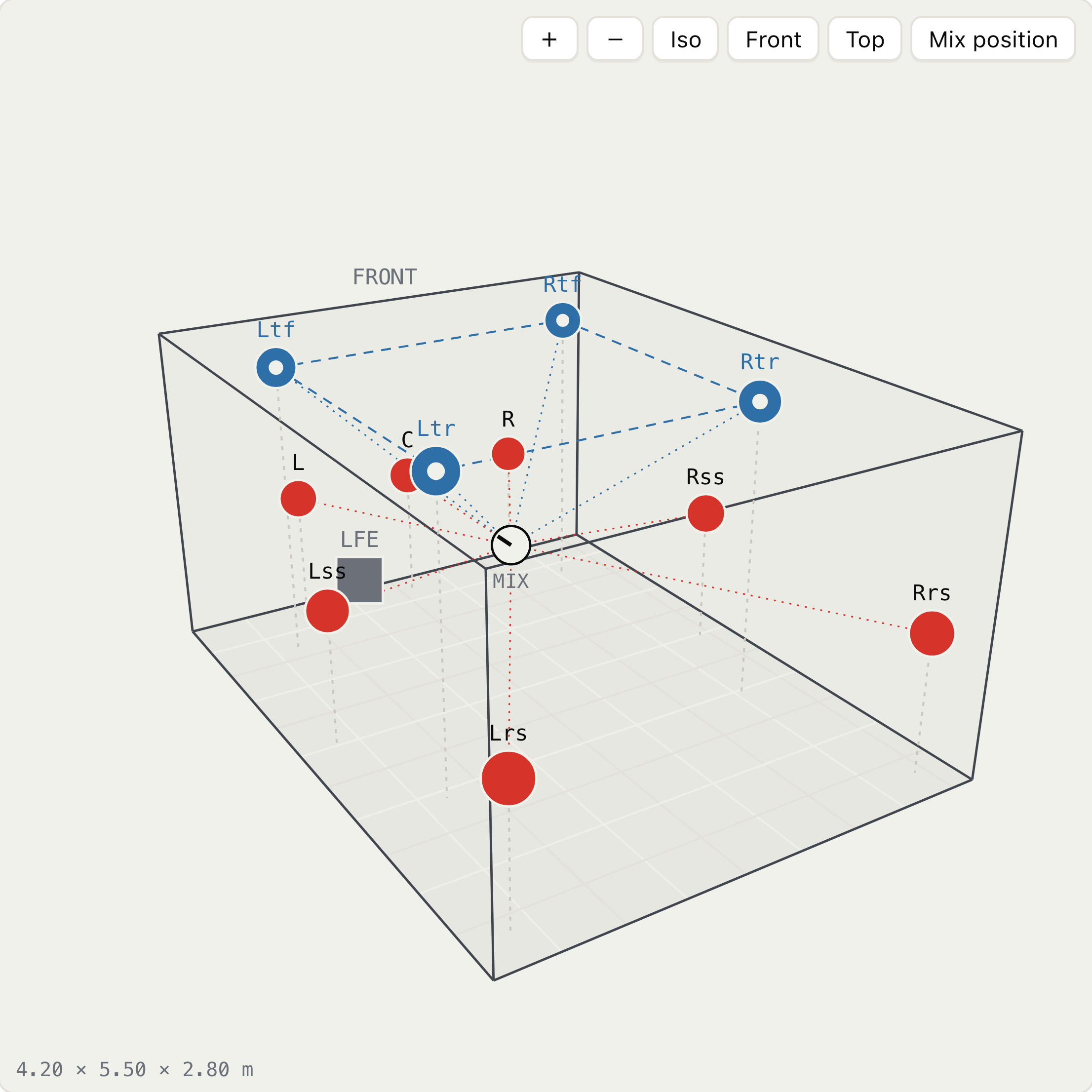
Atmos room planning · in your browser
UTUVO Room Planner
Enter room dimensions and get every speaker from 5.1 to 9.1.6 as wall and ceiling coordinates, with delays, gains and tolerance checks, in plan, elevation and 3D. For preliminary planning only.
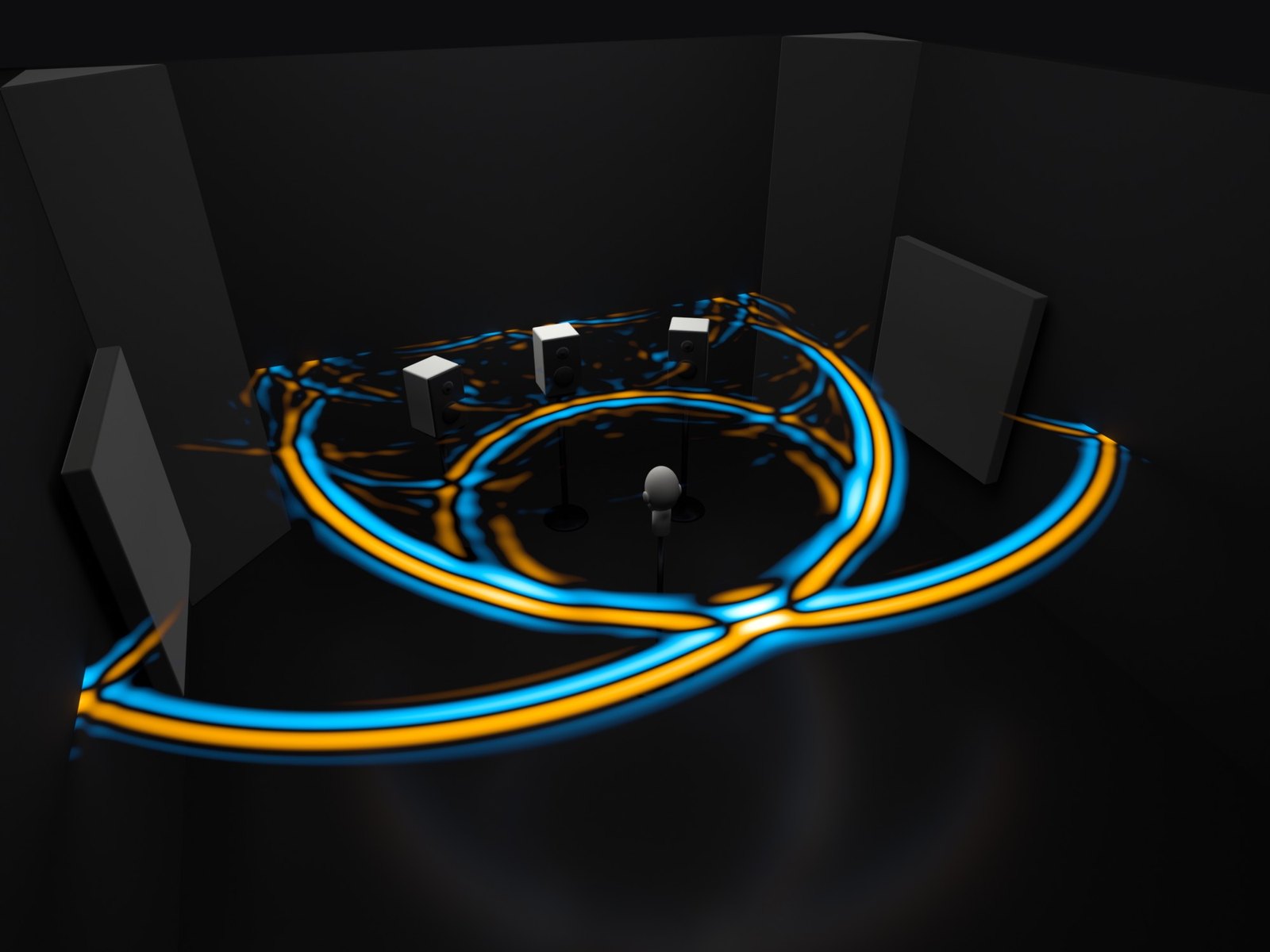
Sound-field simulation · in your browser
UTUVO KlangraumPreview
Solves the wave equation on your GPU and shows sound moving through a room in slow motion. Measure binaural impulse responses with a dummy head and compare treatment on headphones; import a layout straight from Room Planner, or play a 5.1/7.1 file in the simulated room. A 2D slice, built for intuition and comparison, not a substitute for acoustic design.